More detail.Better composition.Greater control.
Build your eye for photography with creative composition guides, high-resolution capture, and simple focus and exposure controls.
Download on theApp Store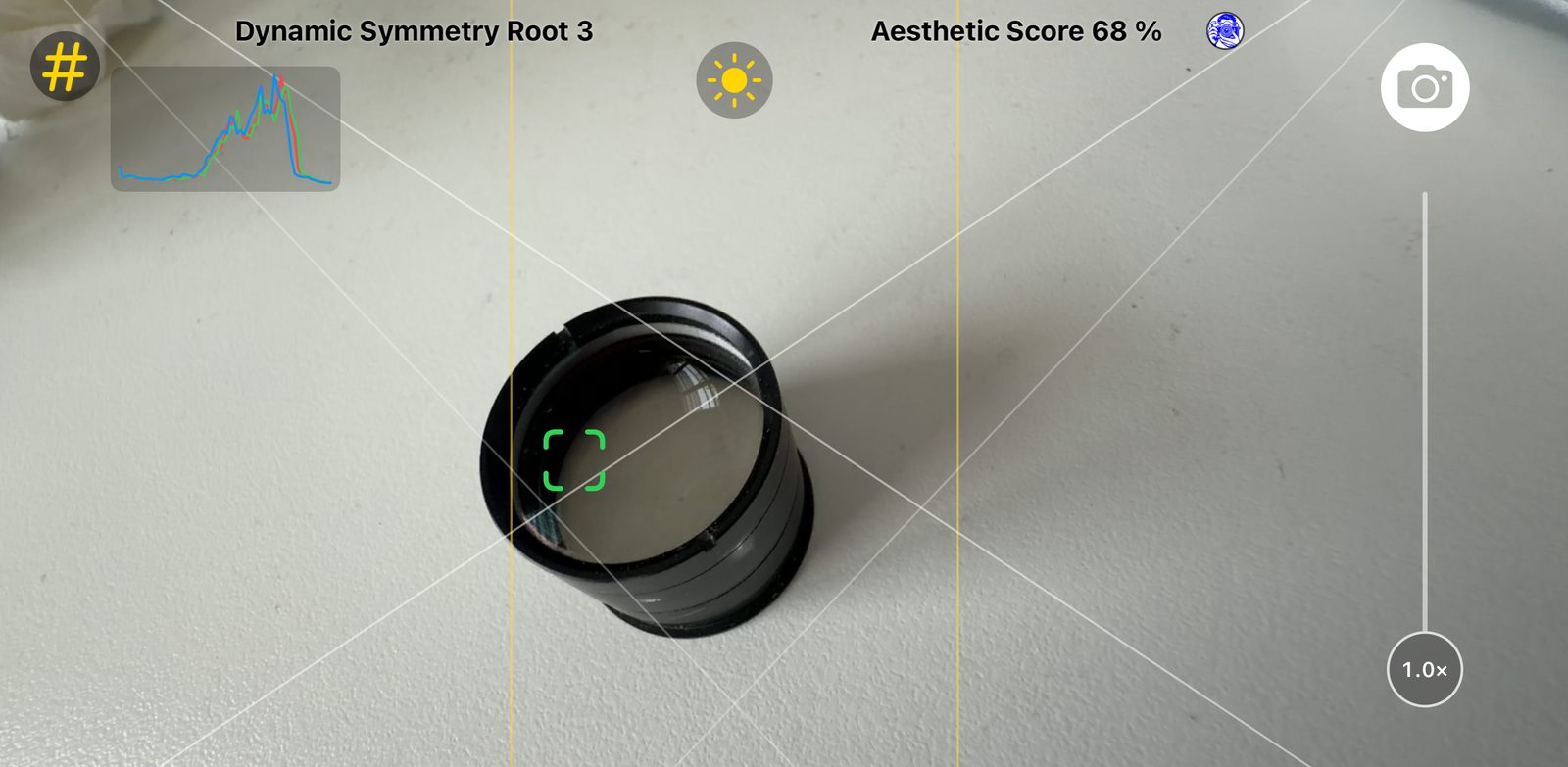
The three elements of a nicer photo are:
Composition
Where everything sits in the frame.
Focus
What is sharp, and where the eye lands first.
Lighting
How bright, dark or balanced the scene feels.
Framing Coach simplifies the camera and closes the gap between it and the person taking the photo. The lens is chosen as you zoom, so you can put your attention on these three.
Compose with intention
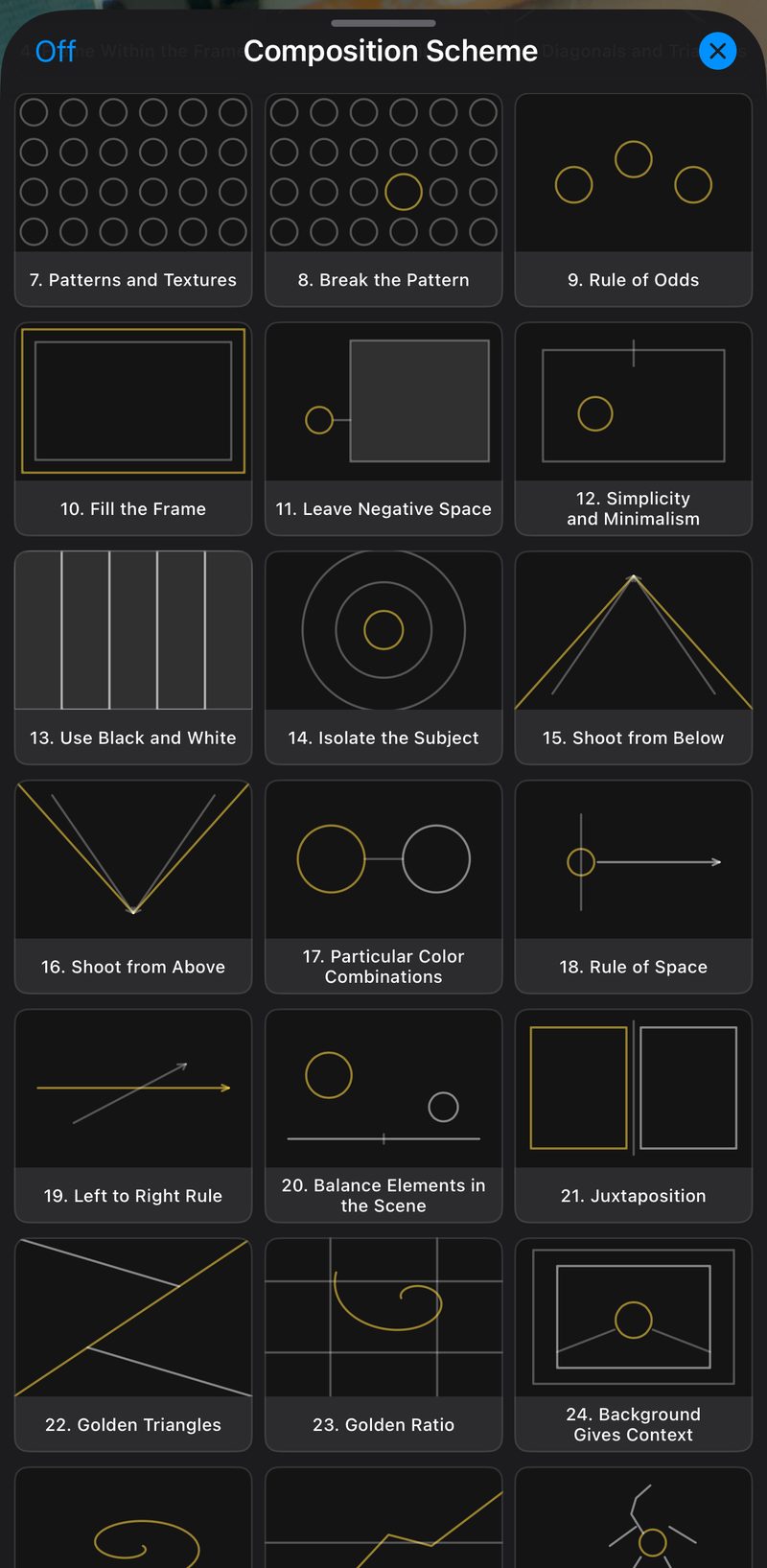
Composition Guides
Explore built-in guides that help you arrange subjects and create balanced photographs.
Golden Ratio & Golden Spiral
Use classic artistic proportions to guide the viewer’s eye.
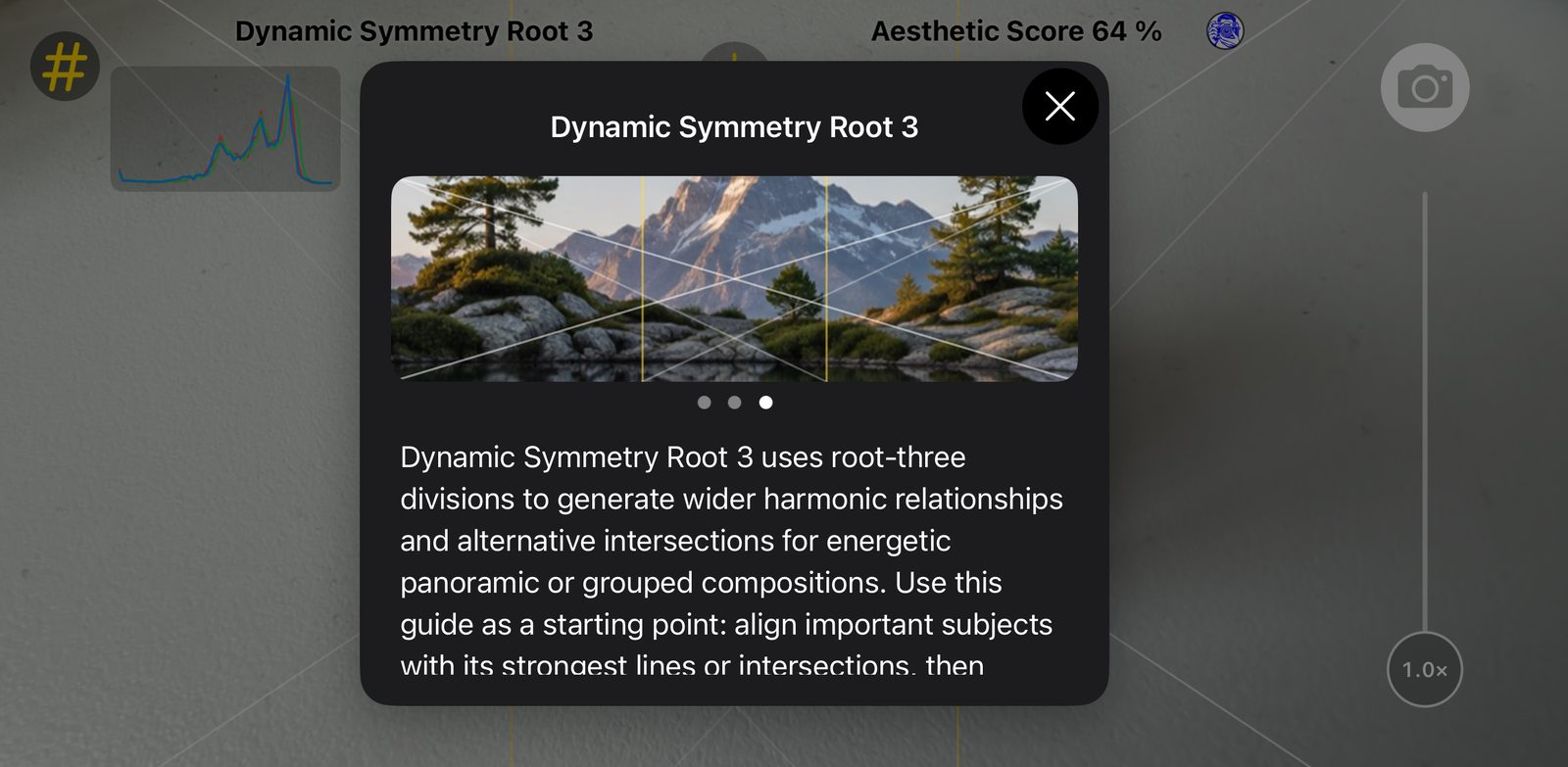
Composition Tips
Read explanations of your selected guide and learn how to apply it.
Clean Viewfinder
Keep your attention on the scene with controls and guides within easy reach.
Capture with confidence
High-Resolution Photos
Capture detailed photographs at the highest resolution supported by your camera and selected settings.
Automatic Lens Selection
Move the zoom slider and the app chooses the right ultra-wide, wide, or telephoto camera for you, so there is no lens to pick by hand.
RAW Photography
Capture RAW or Apple ProRAW images on supported devices for greater editing flexibility.
Control focus and light
Tap to Focus
Tap your subject to choose where the camera focuses.
Independent Exposure Control
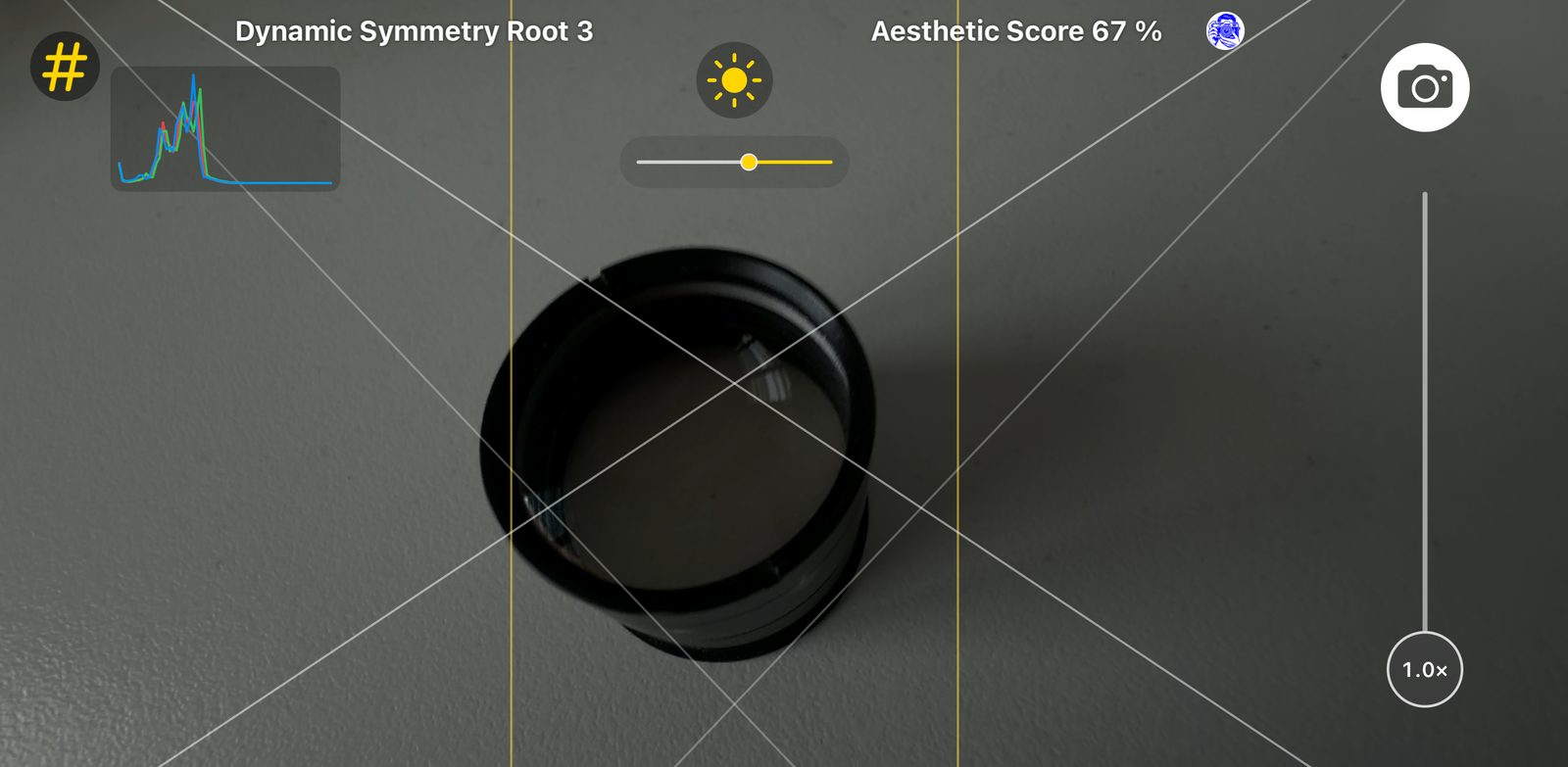
Drag the light target to choose where the camera measures brightness.
Brightness Adjustment
Fine-tune exposure to make your photograph lighter or darker.
Clear Camera Controls
Focus and exposure targets stay clear of interactive controls for comfortable adjustments.
Understand your image
Live Histogram
See how brightness is distributed across your scene while framing your shot.
Aesthetic Score
Explore an automated visual assessment as an additional aid when composing.
Capture Authenticity Tools
View authenticity information recorded for photographs captured by the app.
See it in action
Get Framing Coach
Download on theApp StoreAvailable lenses, resolutions, and RAW formats vary by iPhone model and capture settings.